RangeFinder Studio
A focused desktop app for teams who need to understand Hokuyo LiDAR data quickly: simulate test scenes, replay real captures, and move into live sensor workflows without stitching together one-off tools.
- 01 · scene
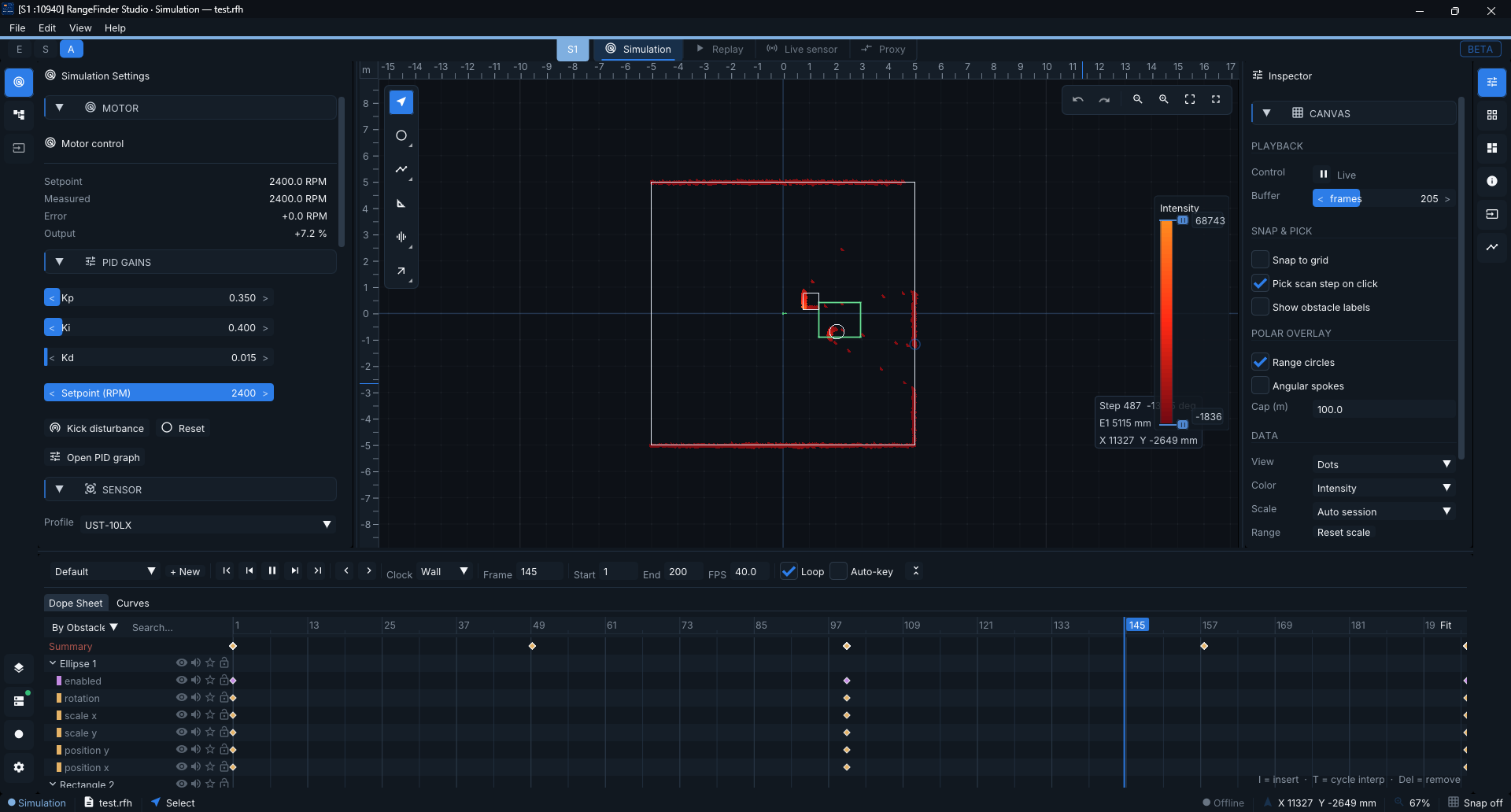
Develop without blocking on hardware
Scene-backed simulation produces repeatable scan data — every desk doesn't need a sensor to start.
- 02 · replay
Find issues inside real captures
Open UBH captures, scrub frames, and inspect what the sensor actually saw. Compare runs side by side.
- 03 · gate
Move from test data to live sensors
Connect Hokuyo hardware from the same environment used for simulation and replay investigation.
- 04 · explain
Optional local AI, fully private
Translate sensor errors and device state into plain language on
127.0.0.1. How local AI diagnostics works
Same app for the scene, the capture, and the live sensor — fewer one-off scripts, faster answers.
why teams use it
Designed for practical LiDAR engineering.
Spend less time preparing ad-hoc tooling and more time validating sensor behaviour, transforms, captures, and real-world operation.